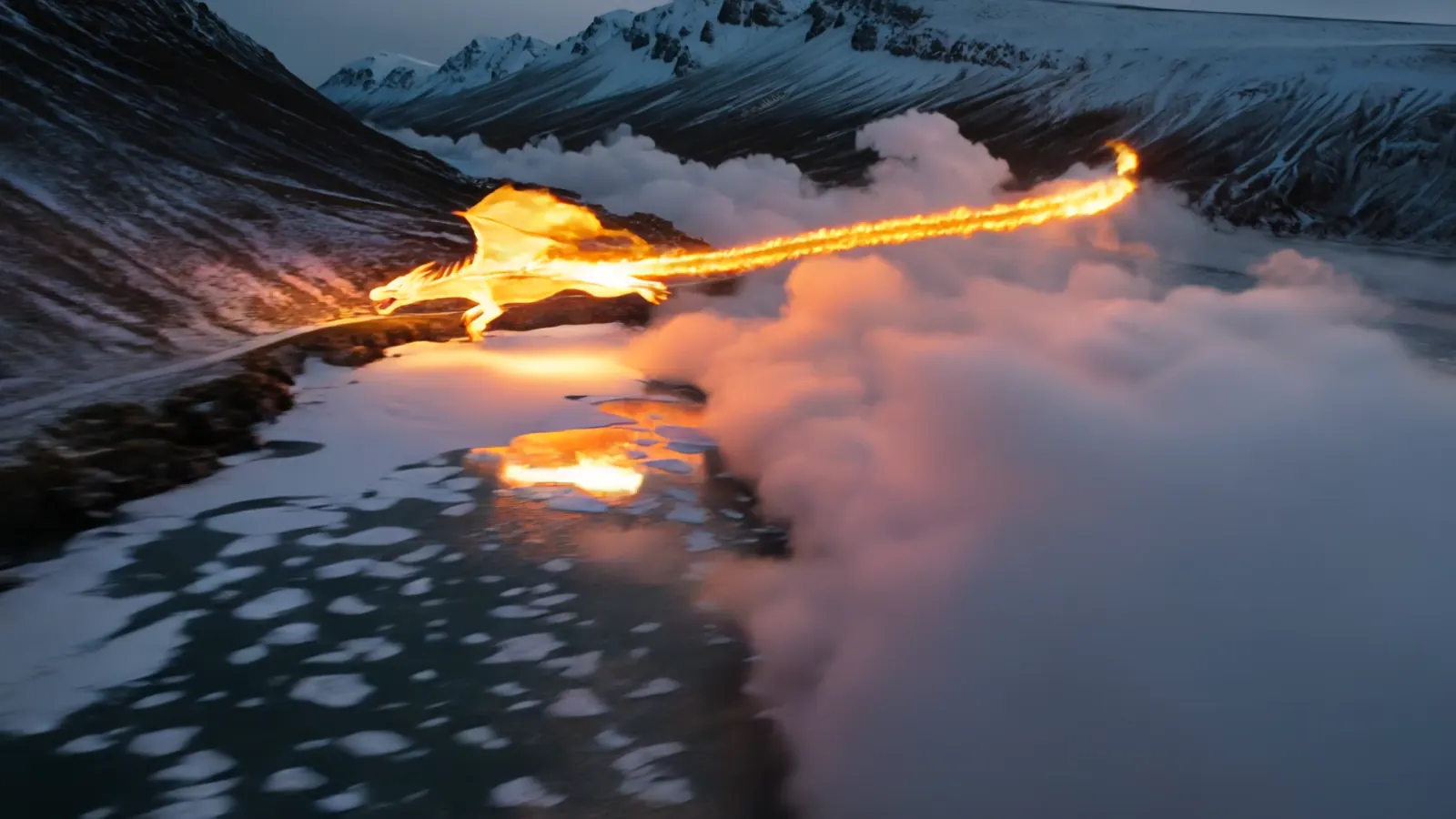
Reference to Video Generator for More Consistent AI Videos
Turn a reference image or source video into a new AI video with better control over subject identity, styling, and scene direction.
Uploads are processed securely for generation only. Use only media you have the rights to transform.
Reference to Video for Consistent Subjects in New Scenes
Use a reference image, additional visual cues, and a prompt to create new scenes while keeping the main character, object, or product visually consistent.
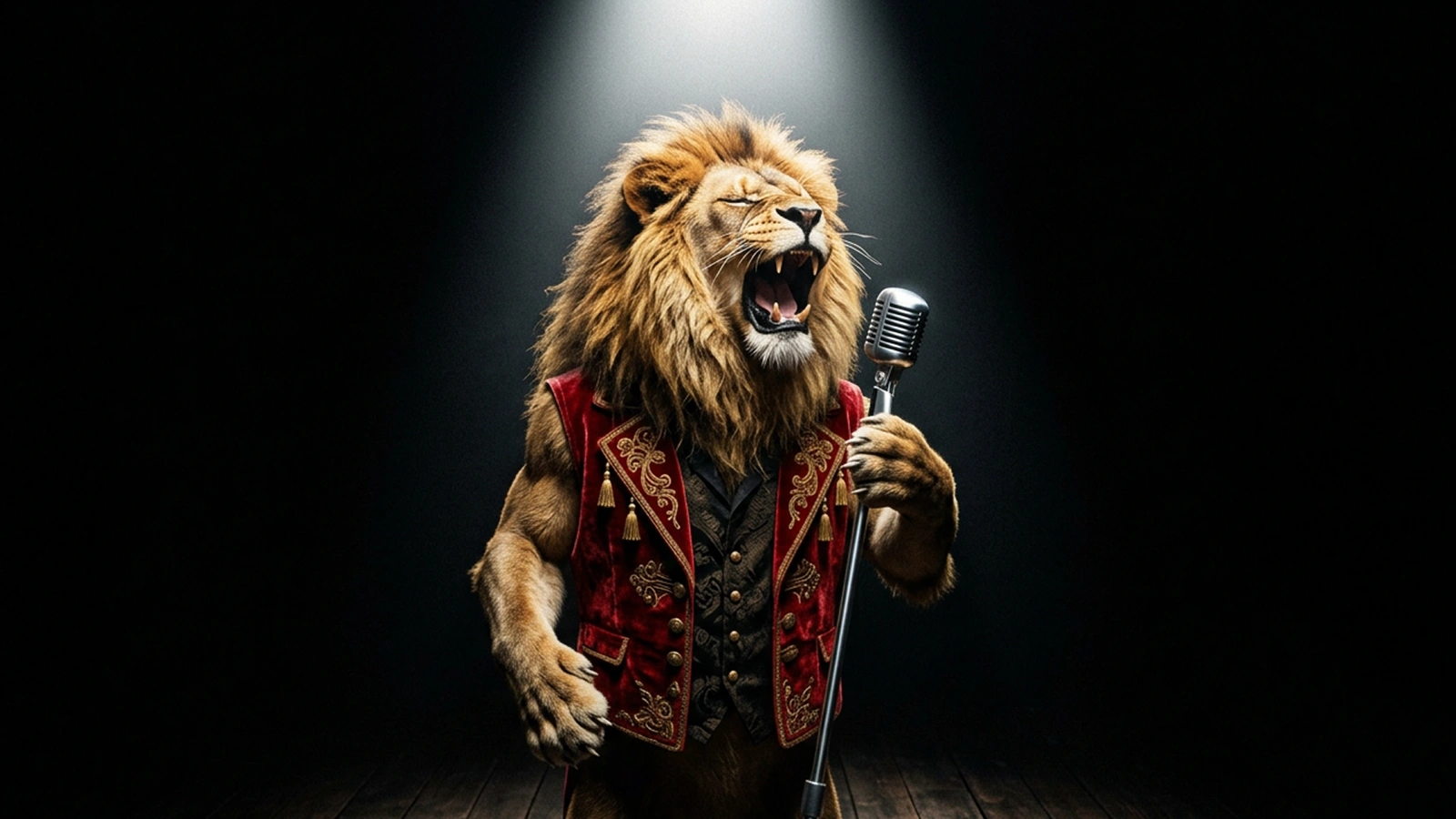
Prompt
The lion is singing.
Output Preview
Singing Lion
Better control for practical AI video creation
Key Features of Our Reference to Video Generator
Our reference to video generator is built for users who need more than random AI video output. By combining reference images, source videos, prompt guidance, and flexible generation workflows, it helps creators and teams produce videos with stronger consistency, clearer visual direction, and more practical value for real content, marketing, and creative production.
Better Subject Consistency Across AI Video Generation
One of the biggest advantages of reference to video is the ability to keep a character, object, or product more recognizable throughout the generated video. Instead of relying only on text prompts, you can use a reference image or source video to anchor identity, styling, and visual structure. This makes the workflow much more useful for character motion, branded content, product storytelling, and other projects where subject consistency matters.
Try Reference to VideoFlexible Workflows with Reference Images and Source Videos
Different projects need different kinds of control. You can start with a reference image when your priority is preserving appearance, styling, or product details, or use a source video when motion flow, scene timing, and camera direction matter more. This flexibility allows the same platform to support both image to video and video to video workflows, making it easier to adapt reference-guided video generation to different creative goals.
Try Reference to VideoCreate New Scenes While Keeping the Main Subject Stable
Reference to video is especially useful when you want to place the same subject into new environments, moods, or storytelling contexts without losing the core visual identity. A creator can test multiple scene concepts around one character. A brand can showcase the same product in different campaign settings. A visual team can generate creative variations more efficiently by preserving the main subject while changing the scene around it.
Try Reference to VideoMulti-Model AI Video Workflow for Different Output Goals
Not every AI video project has the same goal. Some workflows require faster testing and iteration, while others need stronger motion quality, better visual polish, or a more presentation-ready result. A flexible reference to video generator should support different model choices so users can match the generation workflow to the actual task, whether that means concept exploration, social content production, or short product demo videos.
Try Reference to VideoBuilt for Social Content, Product Demos, and Creative Production
This is not just a novelty AI video tool. Reference-guided video generation can be used to create short videos for landing pages, ecommerce content, ad creatives, Reels, Shorts, TikTok, product demo videos, and internal concept development. By making AI video creation more controlled and repeatable, the workflow becomes much more practical for creators, marketers, agencies, and visual teams that need usable output rather than random experiments.
Try Reference to VideoHow to Use Reference to Video
Go from source media to a usable clip in three straightforward steps.
Upload a Reference Image
Start with a clear image of the subject you want to keep consistent. Clean framing and visible details usually improve results.
Add Source Video When Needed
Use a source video when the selected model supports reference-guided generation or video-to-video transformation.
Generate and Export
Choose resolution, aspect ratio, and model, then generate a new video you can review, refine, and export.
Built for creators, marketers, and visual teams
Use Cases for Reference-Guided Video Generation
Reference to video works best when you need more control over identity, scene direction, or visual continuity than prompt-only generation can provide.
Character Motion
Start from a portrait or character reference and generate motion while keeping facial identity, styling, and overall appearance more stable.
Try it nowPricing for reference-driven video creation
Choose a plan based on how often you test reference-driven generation, image-to-video, and video-to-video workflows.
No hidden fees • Cancel anytime • Unused credits roll over
Basic
Save $16.8 · 15% off- 3600 credits/year (delivered monthly)
- Up to ~360 videos/year
- Up to ~1800 images/year
- Monthly subscription credits never expire
- Watermark-free exports
- HD generation and downloads
- Private generation
- Commercial usage rights
- Subscription credits never expire
Pro
Save $59.8 · 20% off- 13200 credits/year (delivered monthly)
- Up to ~1320 videos/year
- Up to ~6600 images/year
- Monthly subscription credits never expire
- Priority generation queue
- Watermark-free exports
- HD generation and downloads
- Private generation
- Commercial usage rights
- Priority support
Max
Save $240 · 40% off- 38400 credits/year (delivered monthly)
- Up to ~3840 videos/year
- Up to ~19200 images/year
- Monthly subscription credits never expire
- Fastest queue priority
- Watermark-free exports
- HD generation and downloads
- Private generation
- Commercial usage rights
- Priority support
Reference to Video FAQ
Answers about reference-guided AI video generation
Ready to generate your first reference-driven video?
Open the generator, choose the model that matches your workflow, and turn your source media into a new AI video.